“Emergency P” and “Start Enable not issued” Errors Removal: Fast, Easy, Simple!
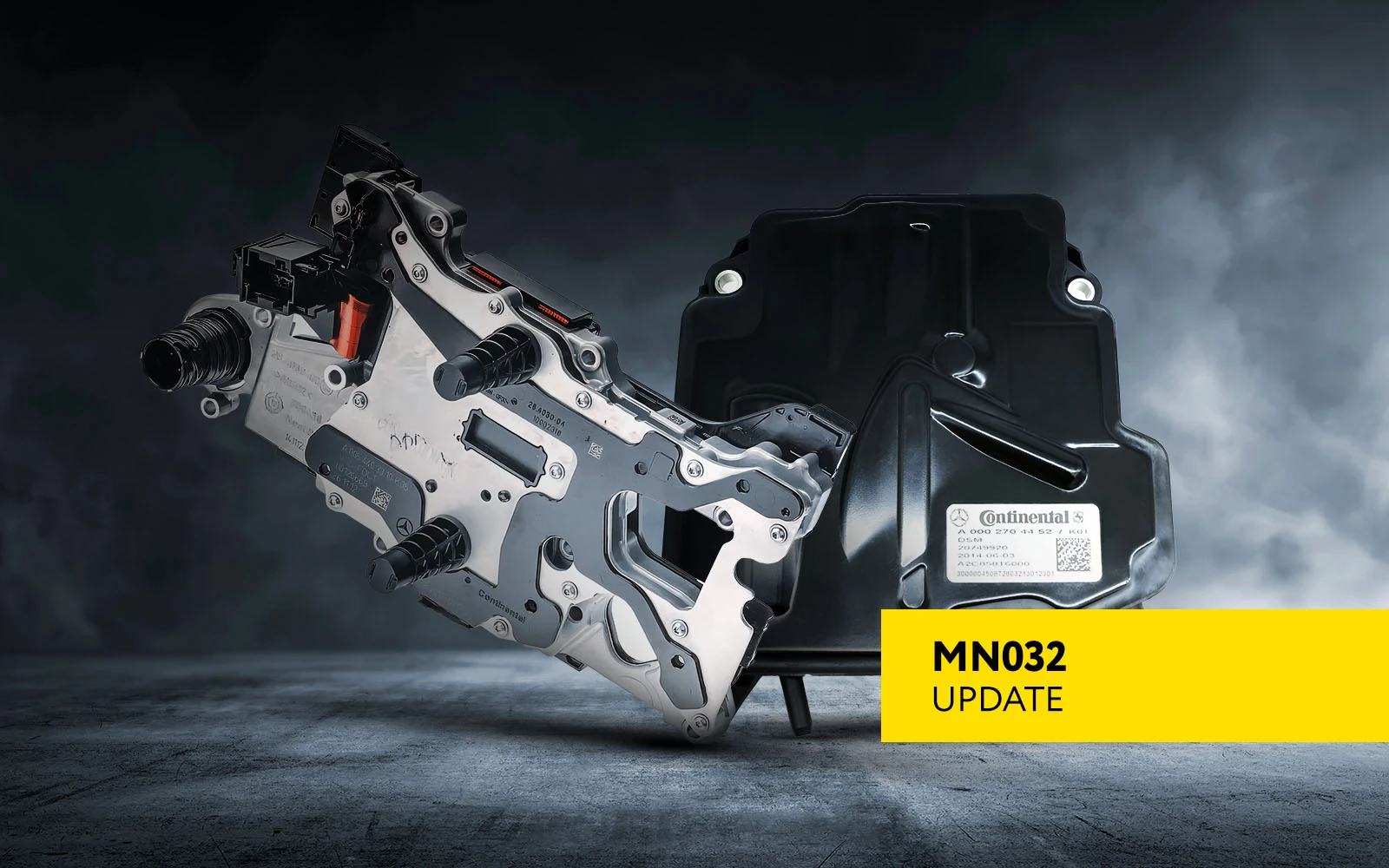
Yet another ground-breaking resolve by the Abrites team:
One-click removal of errors “Emergency P” in DSM and “Start Enable not issued” in VGS-FDCT. This eliminates the need to replace the modules.
- Simple one-click error erasing!
- NO need to replace the DSM or VGS-FDCT module with a new one!
- Save money, effort, and time!
“Emergency P” error
DTC EXAMPLE: P179A77 The redundancy system for DIRECT SELECT has a malfunction. The commanded position cannot be reached.
This issue occurs when the vehicle has several unsuccessful attempts to shift to different gear than “Park”. Instead of following the factory service instructions and replacing the DSM, with the updated functionalities of the MN032 license, you can simply erase the error via OBDII and get the car on the road ASAP!
Removing the “Emergency P” error from the DSM module without the need to replace it is an elegant solution to a trivial issue, which does not necessarily require a new module to be installed.
“Start Enable not issued” error
DTC EXAMPLE: P051300 Start Enable not issued
This DTC usually immobilizes the vehicle, using the front wheel drive DCT transmission after the battery is drained, and cannot be removed after replacing the battery. Now, using AVDI and the Abrites FBS4 Manager under the diagnostic menu for Mercedes-Benz vehicles, you can easily repair this issue with one click!
Removing the permanent DTC, most commonly appearing as “P051300 Start Enable not issued” from the VGS-FDCT module immediately resolves the immobilization of the vehicle and the car can be driven right away, leaving you and your customers happy with a job well done.
How does it work?
In order to access the error repair tool, you need to open the Abrites software menu, go to FBS4 Manager in the Mercedes-Benz diagnostics, select the module where the error occurs, and press the “Repair” button.
That’s it: effortless one-click solution!
Required:
To remove the “Emergency P” error in the DSM:
- AVDI
- OBDII cable (CB106) when working in the vehicle
- DSM/ISM Direct CAN BUS Connection Cable (CB034) when working on bench
- MN032 license
To remove the “Start Enable not issued” error in the VGS-FDCT:
- AVDI
- OBDII cable (CB106) when working in the vehicle
- Abrites Distribution Box Set (ZN151)
- MN032 license
Get yours today!