Write Configuration Data Functionality on New SPC560 Processors for JLR 2018+ Vehicles Coming to Your AVDI!
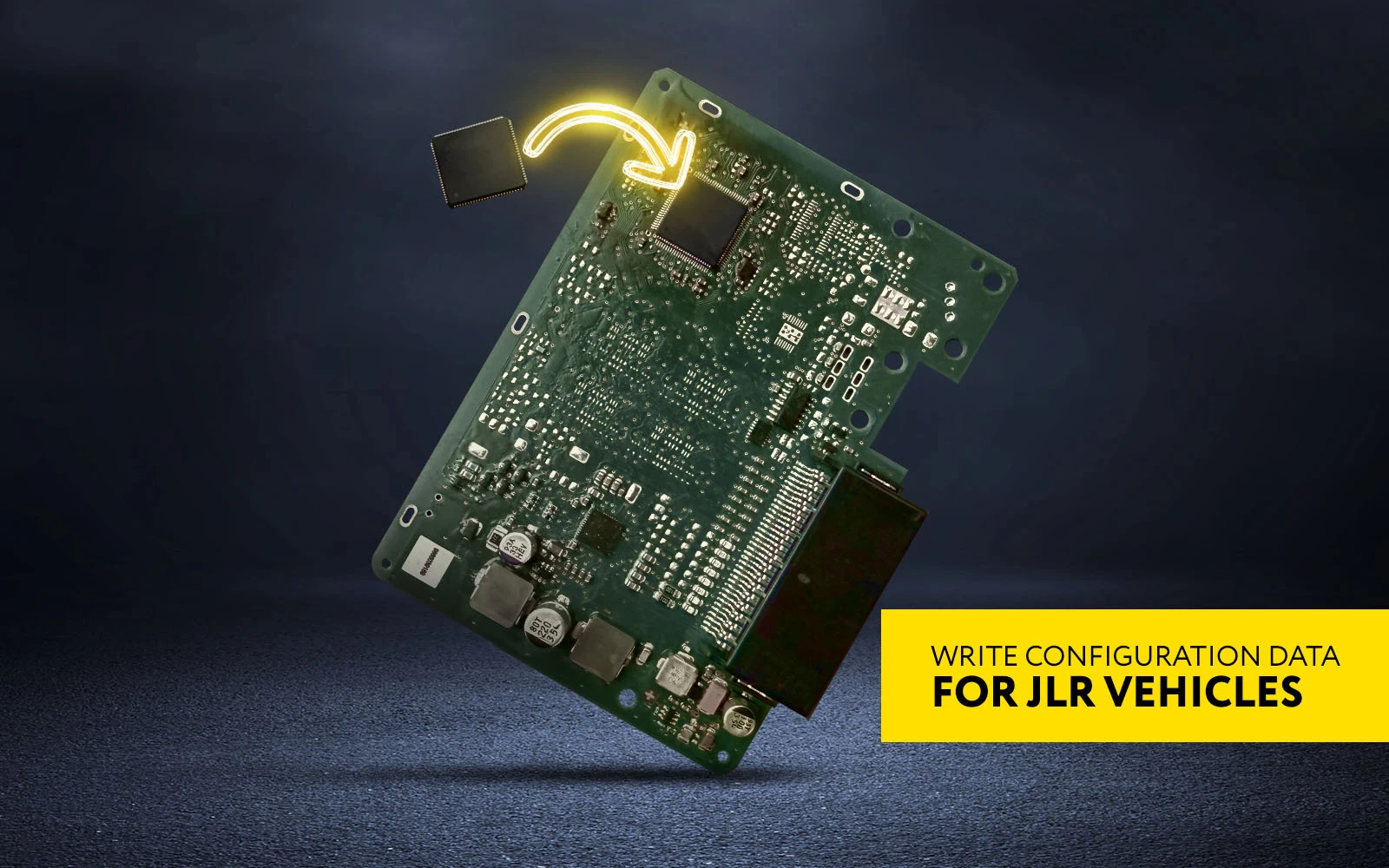
The next improvement of the essential Abrites software for JLR vehicles (offline) includes an alternative way for RFA/KVM replacement procedure. This time, you can only exchange the processor of the module with a new SPC560 one and write configuration data directly onto it on bench using ABProg.
This addition makes the module change more cost-effective, giving you the opportunity to choose if you’d like to replace the whole module or only the processor.
How-to?
- Remove the RFA/KVM module from the vehicle
- Open the module and remove the SPC560 chip
- Install a new SPC560 chip
- Connect to the PCB using ABProg
- Write configuration data on bench via the Abrites software menu for JLR vehicles
- Return the module in the vehicle
Full user manual and details coming soon!
Keep your annual subscription active to access the newest features for JLR vehicles: